Adding Students to a Group
Required Permissions
- Organization administrators
- Group administrators
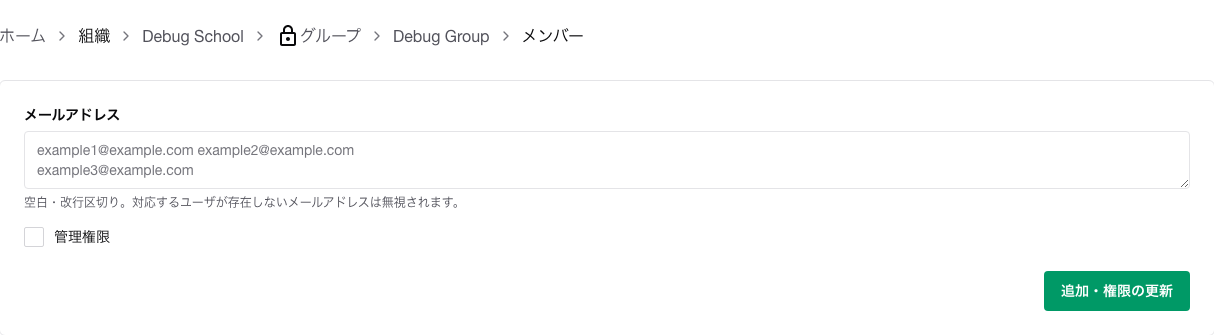
Steps
- Open
Affiliation.
- Open the organization name.
- Open
Groups.
- Open the target group.
- Open
Members.
- Enter the email address of the student you want to add.
- Do not check
Admin permissions.
- Click
Add / Update Permissions.
If You Cannot Add Them
Only users who already belong to the organization that the group belongs to can be added to the group. If the target student does not yet belong to the organization, first add them to the organization via Inviting Members to an Organization.
Notes
- You can enter multiple email addresses at once.
- If you re-enter an existing group member, it is treated as a permission review rather than a duplicate addition.
- You can also enter multiple email addresses to remove multiple group members at once. For details, see Removing Members in Bulk.
