
© WillBooster Inc.
Teachers who manage groups or teach classes are recommended to be added to the group with group management permissions granted. By giving them group management permissions, they can perform operational tasks themselves—such as adding members, assigning subjects, monitoring, and setting class hours—without going through an organization administrator.
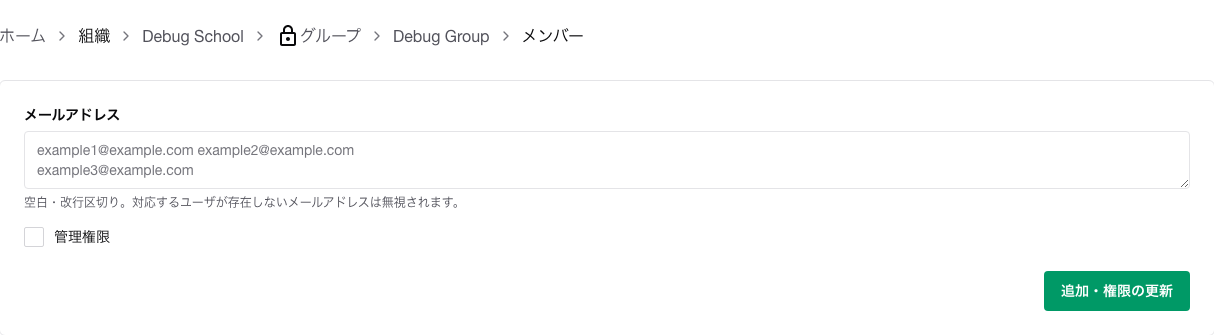
Affiliation.Groups.Members.Management permissions.Add / Update Permissions.Only users who already belong to the organization that the group belongs to can be added to the group. If the teacher does not yet belong to the organization, add them to the organization first via Inviting Members to an Organization.
Also, if the group does not yet have any administrators, only an organization administrator can add the first group administrator. If you are trying to work as a group administrator and encounter an error, please ask an organization administrator.