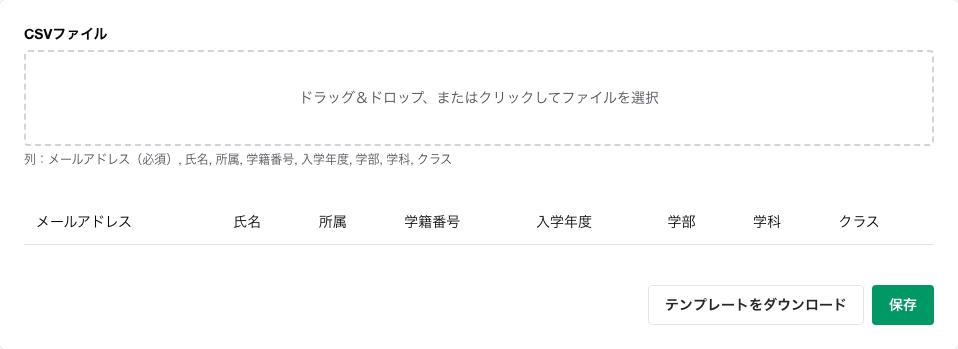
Enter the required information in the downloaded CSV.
Upload the CSV.
Check the imported content in the table on the screen.
Click Save.
Notes
Opening from the admin menu of any course will take you to the same profile settings screen.
The CSV updates existing users' profiles using their email addresses as the key.
Before saving, only a preview is displayed; the changes are finalized after you click Save.
If the CSV contains unregistered email addresses or users outside your management scope, those rows may not be reflected.
The only required field is the email address. Name, faculty, affiliation, major, student ID, class, and enrollment year can be left blank when saving. Saving with blank fields clears any existing values for those items.